Club, stadium and facilities
Reputation, morale, attendance and colours; facilities and editable stadium fields, with a warning for shared stadiums.
FOOTBALL MANAGER 26 EDITOR
Touchline Forge 26 is a free live editor for Football Manager 26 (FM26) on Windows. Find and edit players, staff, clubs, competitions and nations while your save is running.
Search by name, club, age, position and ability. View visible and hidden attributes in player profiles.
Edit attributes, positions, traits, personal details, nationalities and languages.
Edit wages and dates. Add, change or remove contract bonuses and clauses.
Manage player moves, signings and loans from their profile.
Export attribute presets and import them to apply them to another player.
Find staff and your manager by name, club or national team, role and skills.
Edit skills, personality, role and tactical preferences, and formations.
Edit names and date of birth, languages, nationalities, relationships and coaching qualifications.
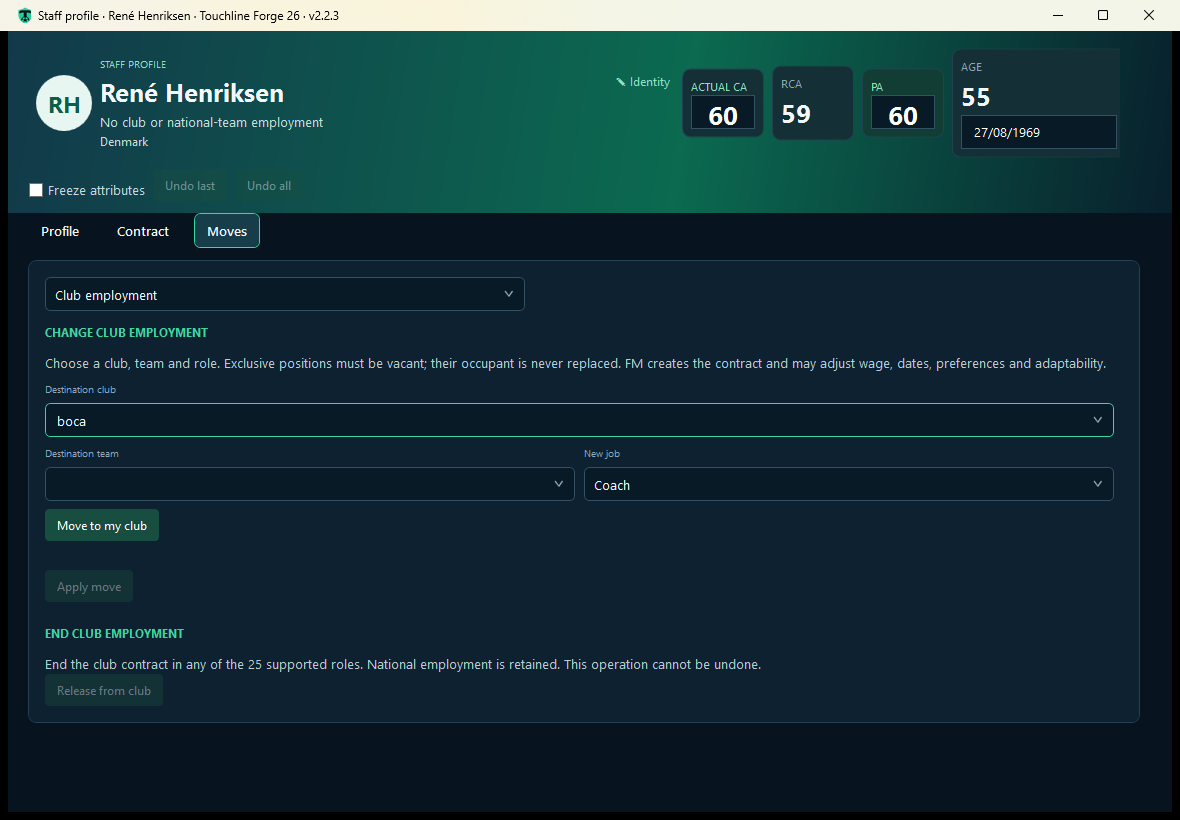
View both jobs and edit wages, dates and supported terms separately.
Hire, move or release staff in the roles and destinations supported by FM.
Find clubs by name, country, competition, city, stadium, reputation and facilities.
Edit reputation, morale, attendance and colours, plus the available stadium and facilities fields.
Manage balance, budgets, income, debts, loans and transfer commitments between clubs.
Edit rivals, favoured and disliked people, and affiliation agreements between clubs.
Edit outfield and goalkeeper kits and the club’s significant shirt numbers; these do not change a player’s shirt number.
Manage tactical familiarity, cohesion, morale, bans, injuries and unhappiness. Collective actions have no general Undo.
Find competitions by name, country or scope, type and gender. Edit names, code and reputation.
Choose substitution rules, additional officials, goal-line technology and all-seater requirements.
Set the winter ball colour and period, and configure VAR, including No VAR.
Edit development, economic factor, nationality residency, dual nationality and languages.
Manage federation, youth rating, attendance, colours, tactics, stadium and kits separately.
Confirm available quick actions and restore field and list edits using Undo.
Languages and currencies Use the editor in five language options and view amounts in your save’s currency.
TOUCHLINE FORGE 26 · 2.3.0
AvailableUpdate 2.3.0 adds Competition and Nation editing to Touchline Forge 26. Players, Staff and Clubs remain available.
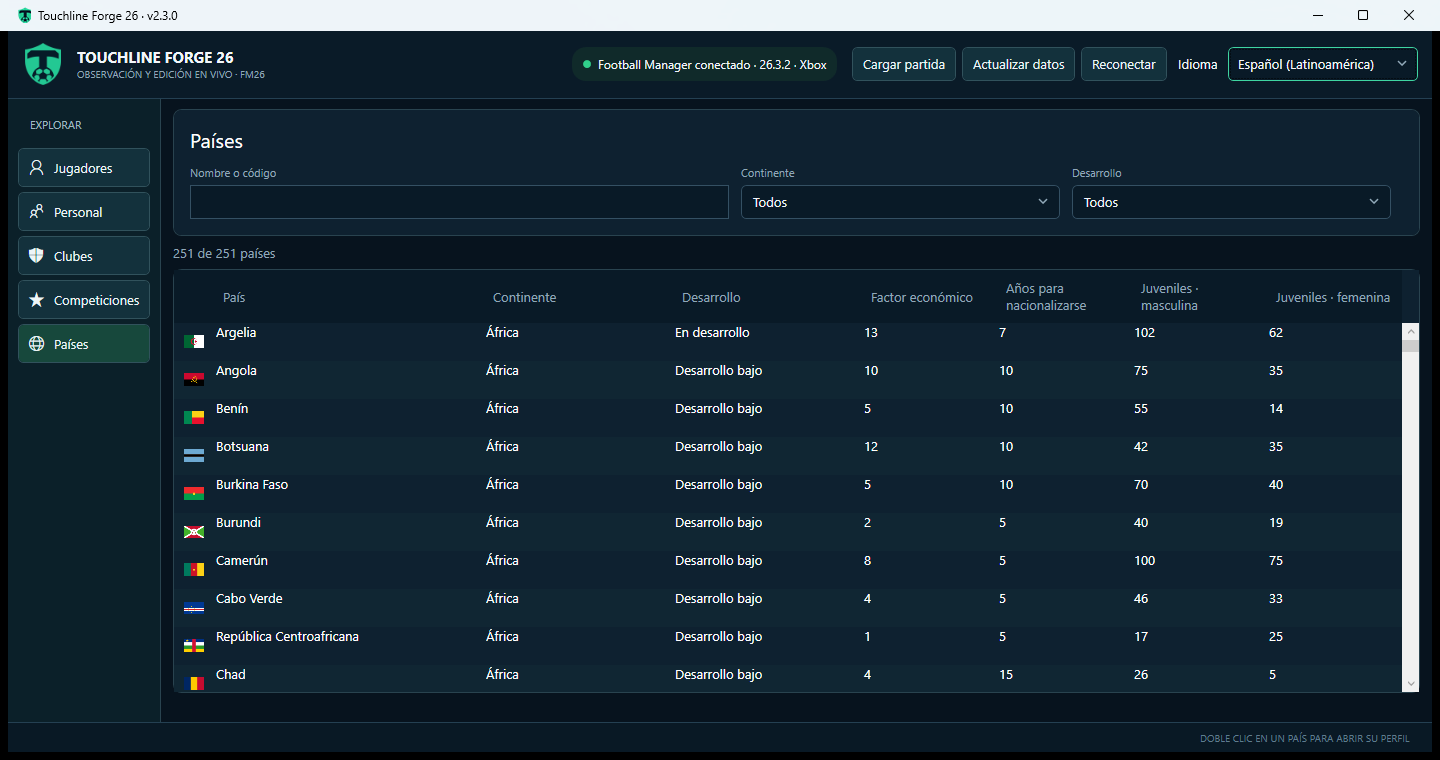
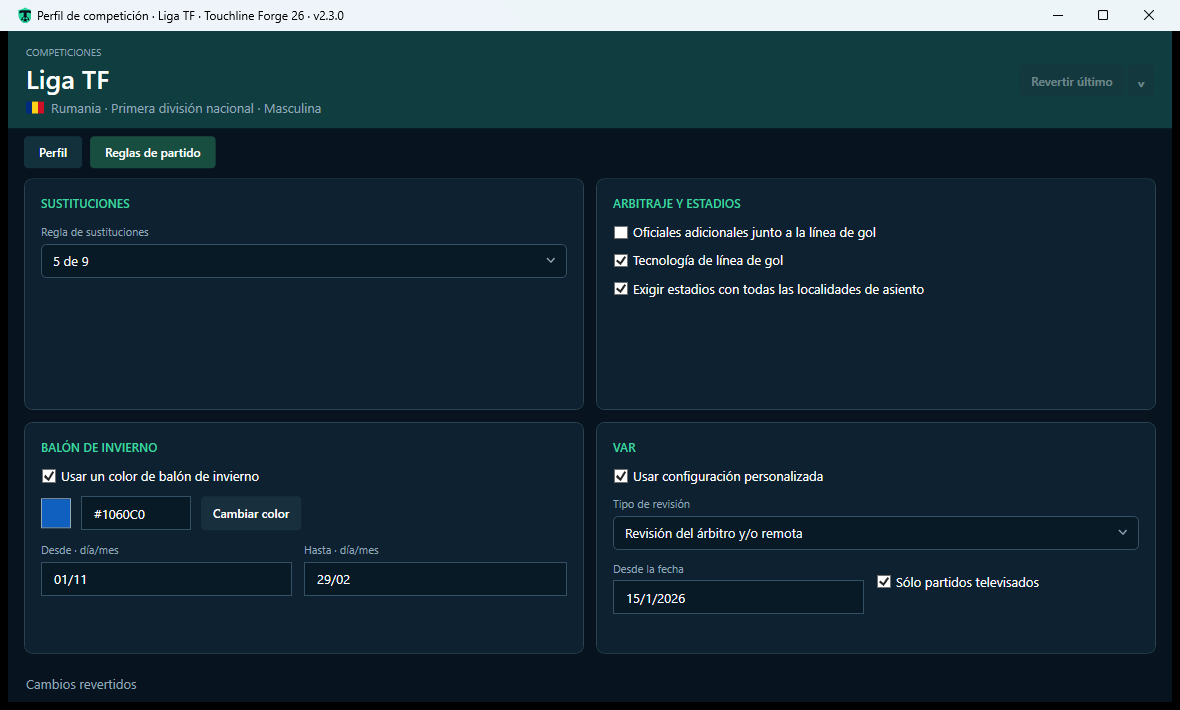
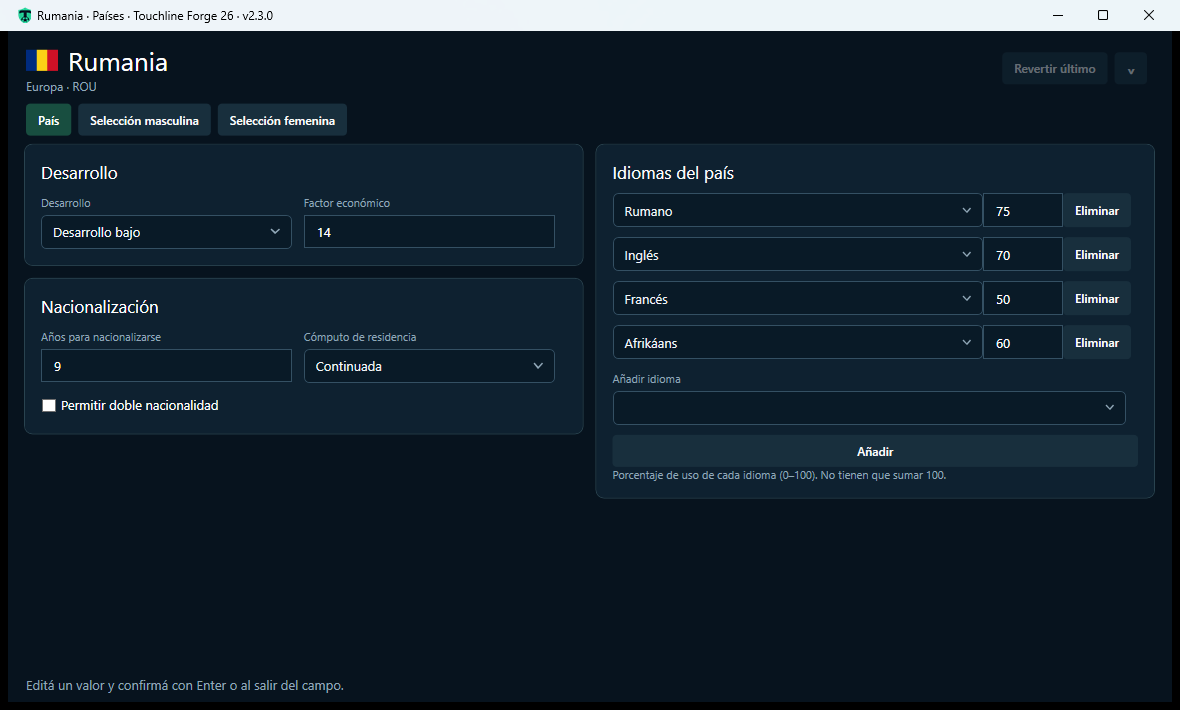
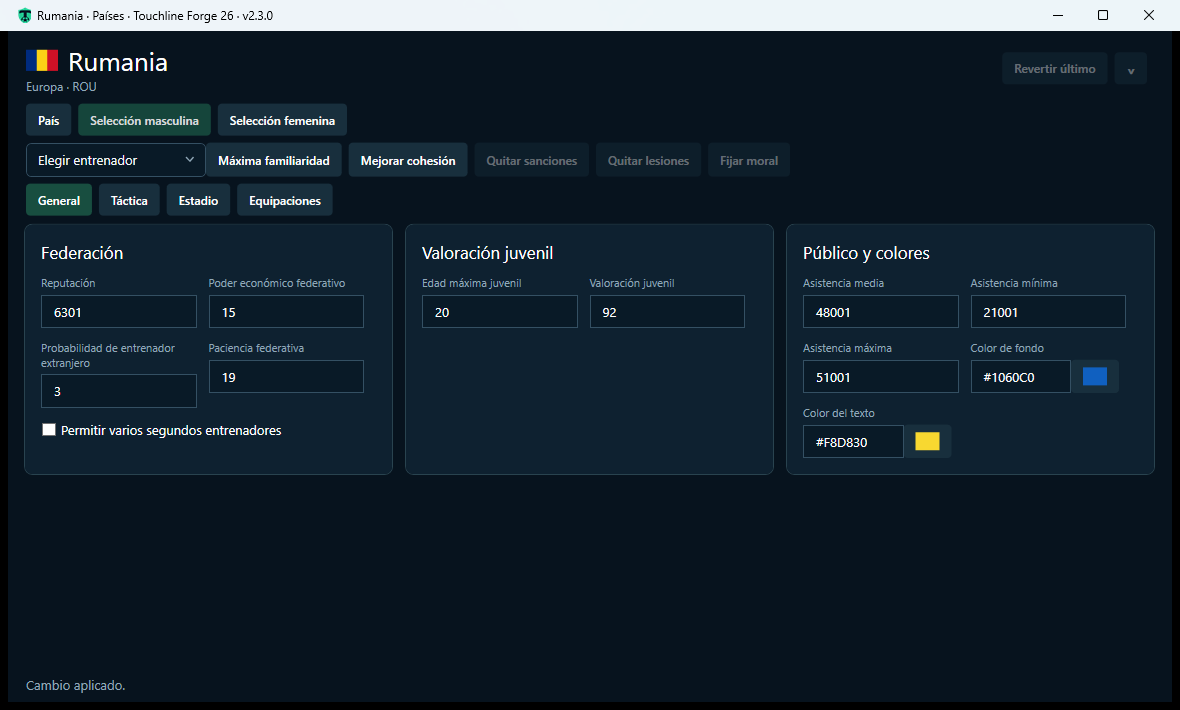
Actual 2.3.0 screenshots, with the interface in Spanish and data from a test save. Open each image to view it at full size.
Tested on Football Manager 26 26.3.2 for Xbox/Microsoft Store.
Save from FM to keep your edits. After loading another save, use Refresh data before editing again. Some FM cards may take time to reflect changes; check the full profile.
For help, send us a private message on Instagram or on Facebook, or leave a comment on itch.io.
Read the 2.3.0 release notesTOUCHLINE FORGE 26 · 2.2.3
AvailableVersion 2.2.3 is an update focused on the issues reported by Steam users. It also fixes Staff languages and player movements, and improves Staff confirmations.
For help, send us a private message on Instagram or on Facebook, or leave a comment on itch.io.
Read the 2.2.3 release notesTOUCHLINE FORGE 26 · 2.2.1
AvailableVersion 2.2.1 fixes save loading on Steam and adds local support logs.
For help, send us a private message on Instagram or on Facebook, or leave a comment on itch.io.
Read the 2.2.1 release notesTOUCHLINE FORGE 26 · 2.2.0
AvailableVersion 2.2.0 adds club search and editing: profile, stadium and facilities, finances, relationships, affiliations, kits, shirt numbers and team actions.
Version 2.2.0 is now available to download from MediaFire.
Reputation, morale, attendance and colours; facilities and editable stadium fields, with a warning for shared stadiums.
Balance, budgets, income, debts, loans and transfer commitments between clubs, shown in your save’s currency.
Relationships, affiliations, kits and significant shirt numbers. Team actions and FM permissions with confirmation and a clear scope.
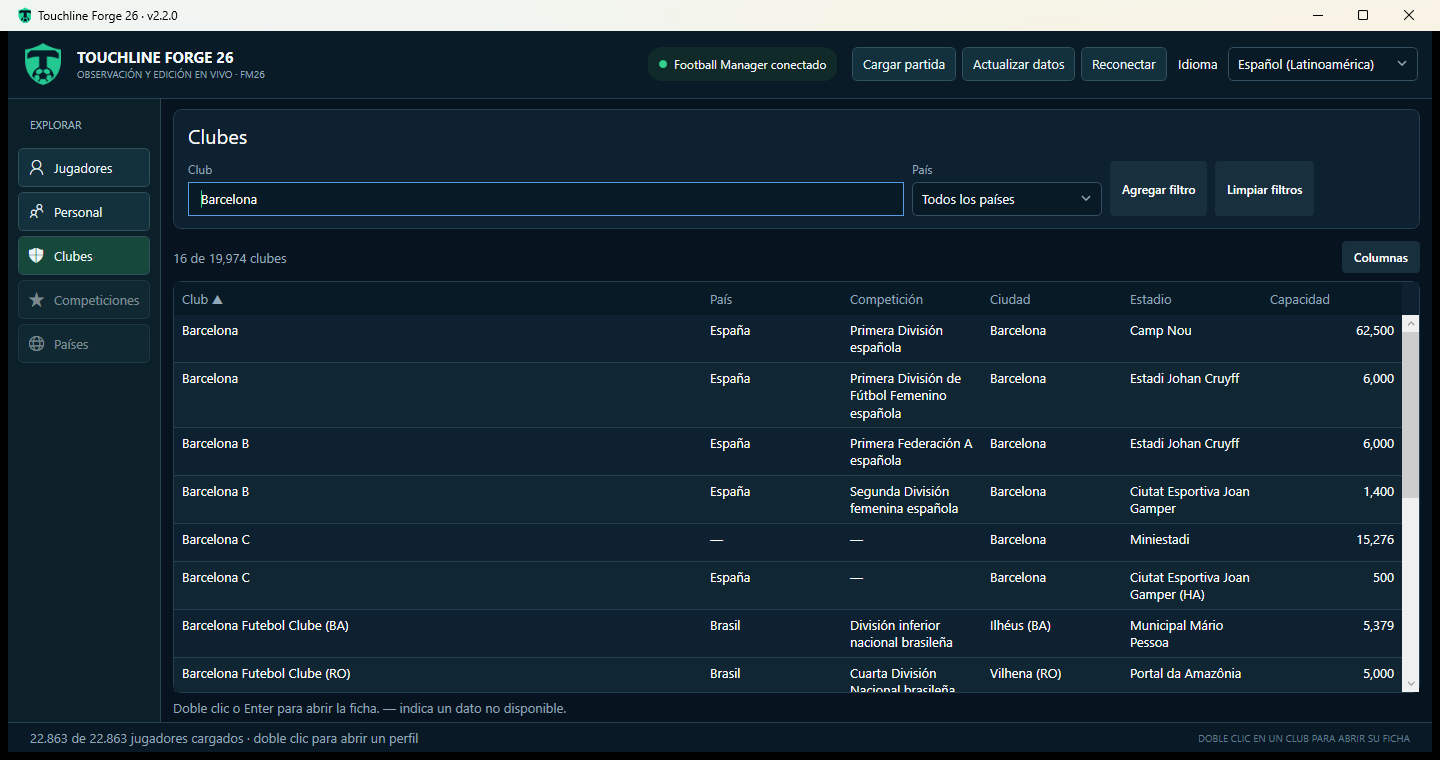
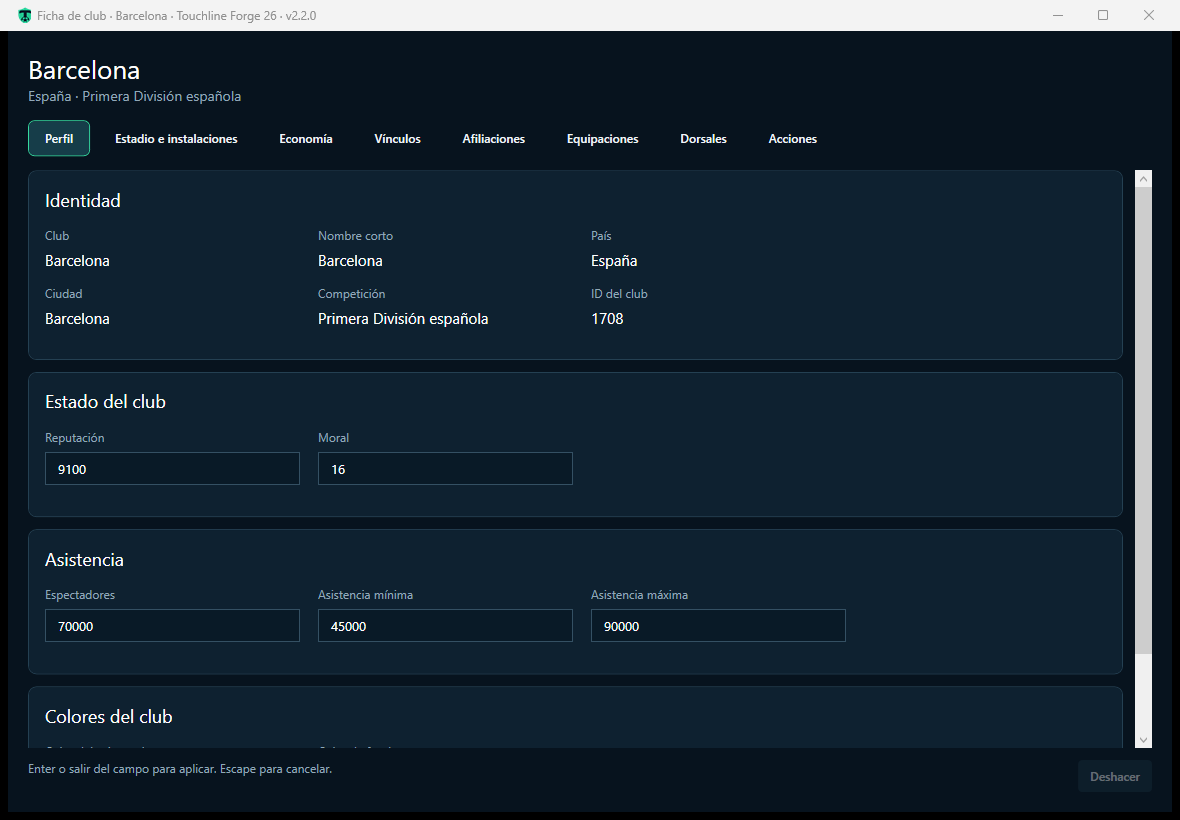
Actual 2.2.0 screenshots with the interface in Spanish. Select an image to view it full-size.
Shared-stadium edits affect all clubs using the stadium. Team actions have no general Undo. Significant shirt numbers do not change a player’s assigned or preferred number.
For 2.2.0: 64-bit Windows, FM26 with a save loaded and .NET Desktop Runtime 8. Extract the entire RAR into a folder and run TouchlineForge26.V2.exe, keeping all included files together.
See what is new in 2.2.0Scout players in your save by name, club, age, position, value, current ability (CA) and potential ability (PA). Open a profile to view visible and hidden attributes before deciding what to edit.
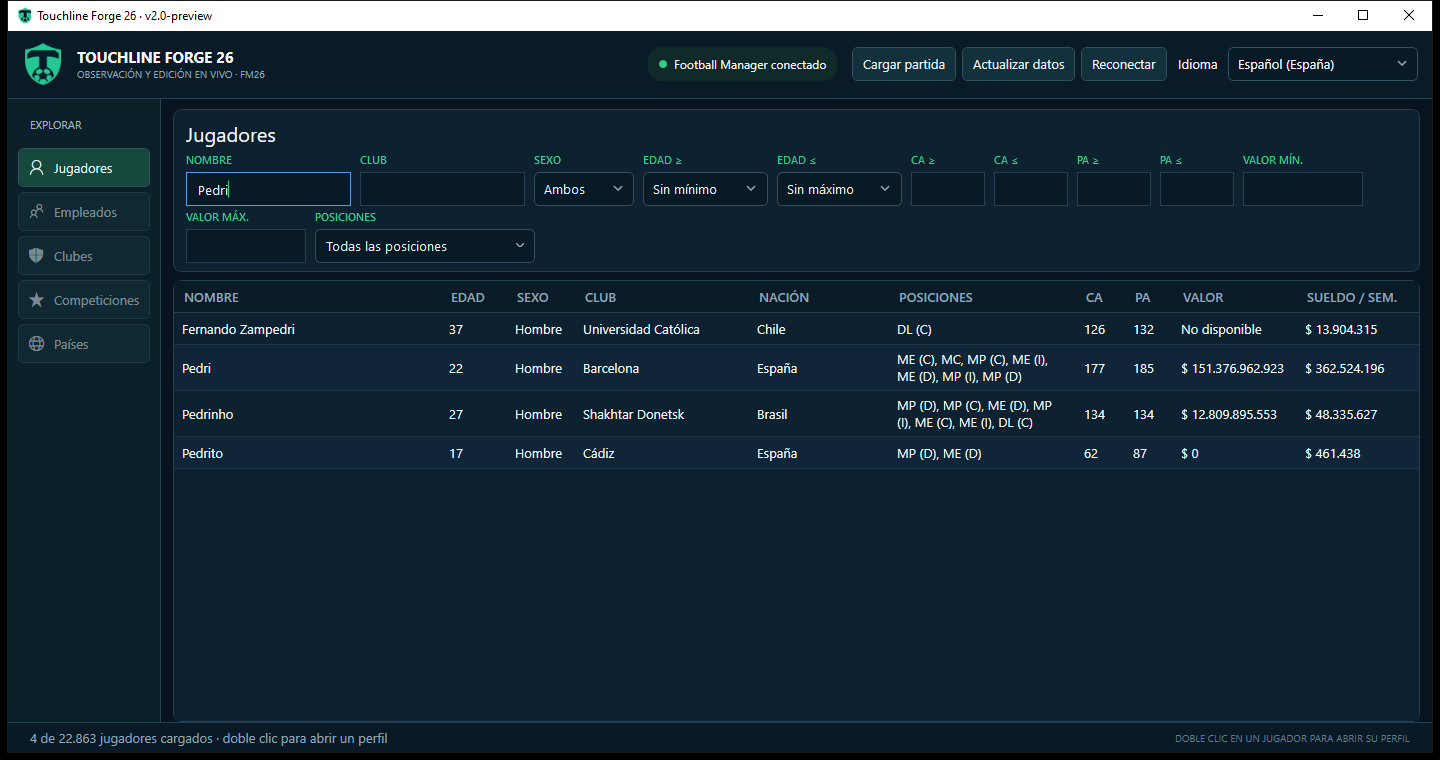
You need a Windows PC and Football Manager 26 with a save loaded. This FM26 editing tool works with the running game; it is not a pre-game database editor.